How Do You Know a Supplement Checkout Is Safe? A NeuroRecall Buyer Checklist
Quick answerBefore you pay for any supplement, check seven things on the checkout: the product name, the label picture, the full price with shipping, the refund terms, any add-ons or upsells, any repeat billing, and the name that will show on your card. If the page names a different product than Neuro Recall, do not pay.
- Refund terms shown at checkout
- Shipping cost shown before you pay
Why check the checkout page at all?
The checkout page is the last place to catch a problem. Ads can say anything, but the checkout shows what you are really buying and what you will be charged. A two-minute check here can save weeks of phone calls.
This is not just theory. In September 2026, MalwareTips reported that ads for “Neuro Recall” used fake AI videos of celebrities, and that the order button led to a checkout for a different product called MemoHoney (MalwareTips, Sept 2026). According to the Better Business Bureau, a famous face in a sales video can be an AI fake (BBB, AI celebrity scams).
- 7things to check before you press pay
- 2minutes for a quick pass
- 0celebrities who endorse Neuro Recall
What are the seven things to check before you pay?
Go through the page from top to bottom. Do not let a countdown timer or a stock warning rush you. A real offer will still be there in five minutes.
Good signs and red flags at a glance
Use this table as a side-by-side guide. If any row lands in the red-flag column, stop and look closer before paying.
| What to look at | A good sign | A red flag |
|---|---|---|
| Product name | Same name as the ad and the bottle | A different brand name, or no name at all |
| Label | A readable Supplement Facts panel | No label, or one that does not match |
| Price | Full total shown before card entry | Total appears only after you pay |
| Refund terms | Window, return address and steps printed | Vague promise with no details |
| Add-ons | Extras are optional and unchecked | Boxes pre-checked for you |
| Billing | One-time charge stated clearly | Hidden autoship or trial that turns into a plan |
| Contact | Phone number and email listed | No way to reach a person |
| Endorsements | None, or plain facts | Celebrity or news-anchor video |
How do you spot upsells and recurring billing?
Two traps deserve special attention: upsells and repeat billing. Neither is always a scam. But both can add charges you did not plan for.
Upsells
An upsell is an extra offer, often shown on a new page right after you pay. It may offer more bottles, a second product or faster shipping. Some pages make the yes button large and the no link tiny. Read the price, and click no if you did not plan to buy more.
Repeat billing
Some checkouts sign you up for shipments every month. The words to look for are autoship, subscribe and save, membership, club or every 30 days. Sometimes the terms sit in small print below the button. If you want a one-time order, make sure the page says one-time.
Upsell and repeat-billing check
- Read every checkbox above the pay button
- Scroll to the very bottom for small print
- Look for the words subscription, autoship or recurring
- Note any trial period and what happens after it ends
- Decline extra offers you did not plan for
- Check the final total again on the confirmation page
What records should you keep after you order?
Keep proof of what you agreed to. If anything goes wrong later, these records make a refund or a card dispute much easier. They take a minute to save.
- 01
Screenshot the checkout
Capture the product name, total and refund terms before you pay.
- 02
Save the order email
It holds the order ID, the total and often the billing name.
- 03
Note the card descriptor
Write down the name the charge may show on your statement, if the checkout lists it.
- 04
Keep the tracking number
You will need it if the package is lost or you return it.
- 05
Check your statement
Look for the charge within a few days, and again a month later for repeats.
Why the card name can look unfamiliar
Online stores often bill through a checkout or payment platform. So the name on your statement may not say the product name. Match it to the order email before you call it a mistake.
What should you do if something is wrong?
If something looks wrong before you pay, close the page. There is no cost to walking away. If you already paid, act quickly and calmly.
Stop before paying
If the product name or label does not match, do not enter a card.
Call your card issuer
Ring the phone number printed on your card. Explain the charge and ask about a dispute.
Contact the seller
For a genuine order, call the order desk with your order ID and ask for a refund.
Report it
File a report with the Federal Trade Commission at reportfraud.ftc.gov.
For a genuine Neuro Recall order, the order desk is +1 (302) 200-3480. Have your order ID ready. Refunds go through the checkout platform and are paid 3-5 business days after the return is credited, then 5-10 days to show on the card. The steps are on our refund policy page.
How does this apply to a Neuro Recall order?
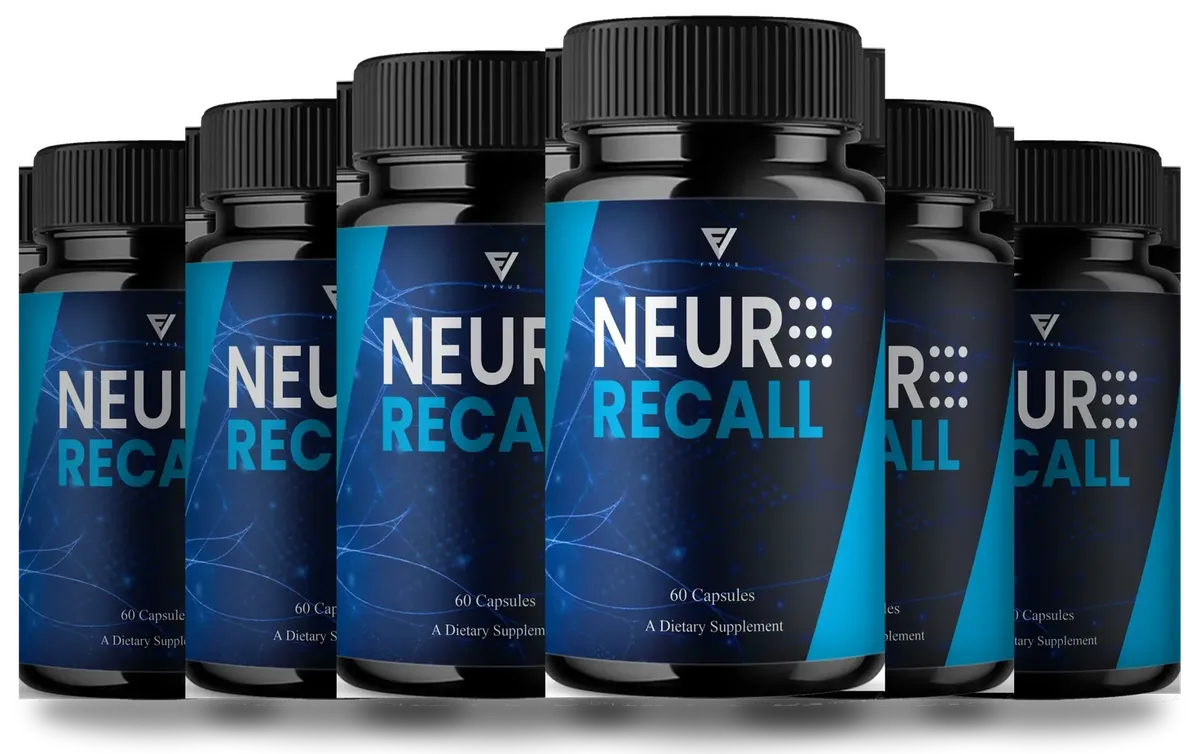
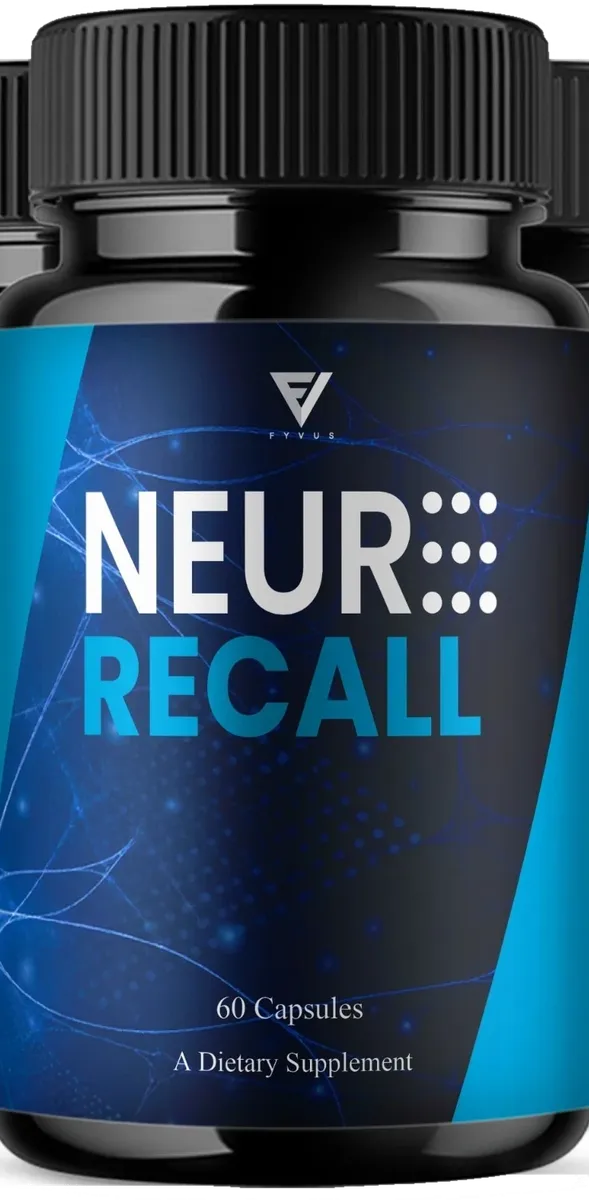
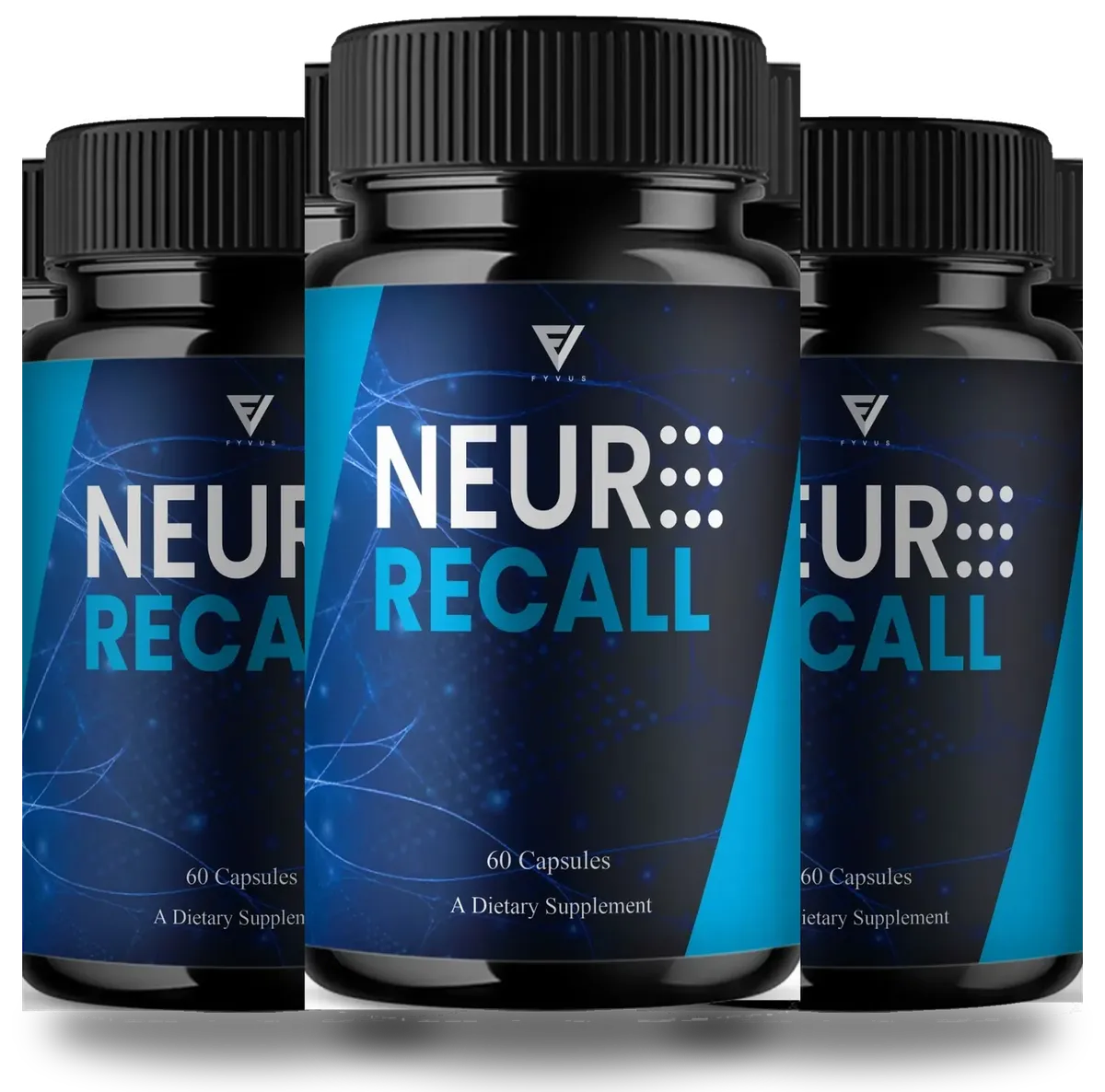
Here is how the checklist applies to Neuro Recall. The product name on any checkout should read Neuro Recall. The bottle should hold 60 capsules, and the label should match the panel on our Supplement Facts page, with a 635 mg blend and four listed nutrients.
Prices are not published in our files, so the checkout is where you see them. The refund window is printed there too. The order buttons on this site go to an order page that currently says the checkout link is not live, and asks you not to buy from ads you cannot verify. This site has no celebrity endorsement and does not run celebrity ads.
Refund terms: read them at checkout
Our files do not give the refund window. It is shown on the checkout page. Read it before paying, save the order email, and phone +1 (302) 200-3480 with the order ID if you want a refund.
If you saw a Neuro Recall ad and are not sure about it, our ad check page walks through the signs of a fake. Helping a parent? Our caregiver guide suggests a simple family rule for online health purchases.
Supplement checkout FAQ
How do I know if a supplement website is legit?
Check that the product name, label and price match what you expected, that refund terms are printed before you pay, and that there is a working phone number. A celebrity video is not proof.
What is a supplement subscription trap?
It is a checkout that signs you up for repeat shipments and charges without making that clear. Look for words like autoship, subscription, membership or every 30 days near the pay button.
What is an upsell on a checkout page?
It is an extra offer, often shown right after you pay, such as more bottles or another product. You can say no, and you should read the total before you accept.
Why does my card statement show a different name?
Online stores often bill through a payment or checkout platform, so the name may not match the product. Save the order email so you can match the charge.
What if the checkout shows a different product than the ad?
Do not pay. MalwareTips reported a case where a Neuro Recall ad led to a checkout for a product called MemoHoney.
How do I report a supplement scam?
Report it to the Federal Trade Commission at reportfraud.ftc.gov. If you paid, call your card issuer as well.
I paid a fake supplement site. Is the money gone?
Not always. Call your card issuer as soon as you can and explain what happened. Keep screenshots, the order email and any tracking number.
Should I use a credit card or debit card for supplements online?
Many people prefer a credit card for online orders because disputes do not touch the bank account directly. Ask your card issuer what protection applies.
Where do the order buttons on this site go?
To a notice page here. For now it explains that checkout is switched off and warns against buying through ads you cannot trace.
What should the Neuro Recall checkout page show before I pay?
It should show the Neuro Recall name, the label picture, the full price with shipping, refund terms and the name that will appear on your card. If anything looks different from the ad, stop and ask.
How do I spot extra charges on a Neuro Recall checkout?
Look for pre-ticked add-ons, upsell pop-ups and any line about repeat billing. Read the total before you press pay, and keep a screenshot of the page and your order ID.
Check the page, then decide.
When the Neuro Recall checkout is live, it shows the product name, label, price and refund terms. Read all four before you pay.